Use Advanced Permissions with Scaffold-ETH 2
Use the Advanced Permissions (ERC-7715) extension for Scaffold-ETH 2 to bootstrap a project in under two minutes. This extension helps you quickly generate the boilerplate code to request fine-grained permissions from a MetaMask user, and execute transactions on their behalf.
Prerequisites
- Install Node.js v20.18.3 or later.
- Install Yarn package manager.
- Install Git.
- Create a Pimlico API key.
1. Install the extension
Run the following command to install the Smart Accounts Kit extension:
npx create-eth@latest -e metamask/erc-7715-extension your-project-name
2. Set up environment variables
Navigate into the project's nextjs package, and create a .env.local file. Once created, update the
NEXT_PUBLIC_PIMLICO_API_KEY environment variable with your Pimlico API Key.
cd your-project-name/packages/nextjs
cp .env.example .env.local
3. Start the frontend
In the project's root directory start the development server.
yarn start
4. Complete the Advanced Permissions lifecycle
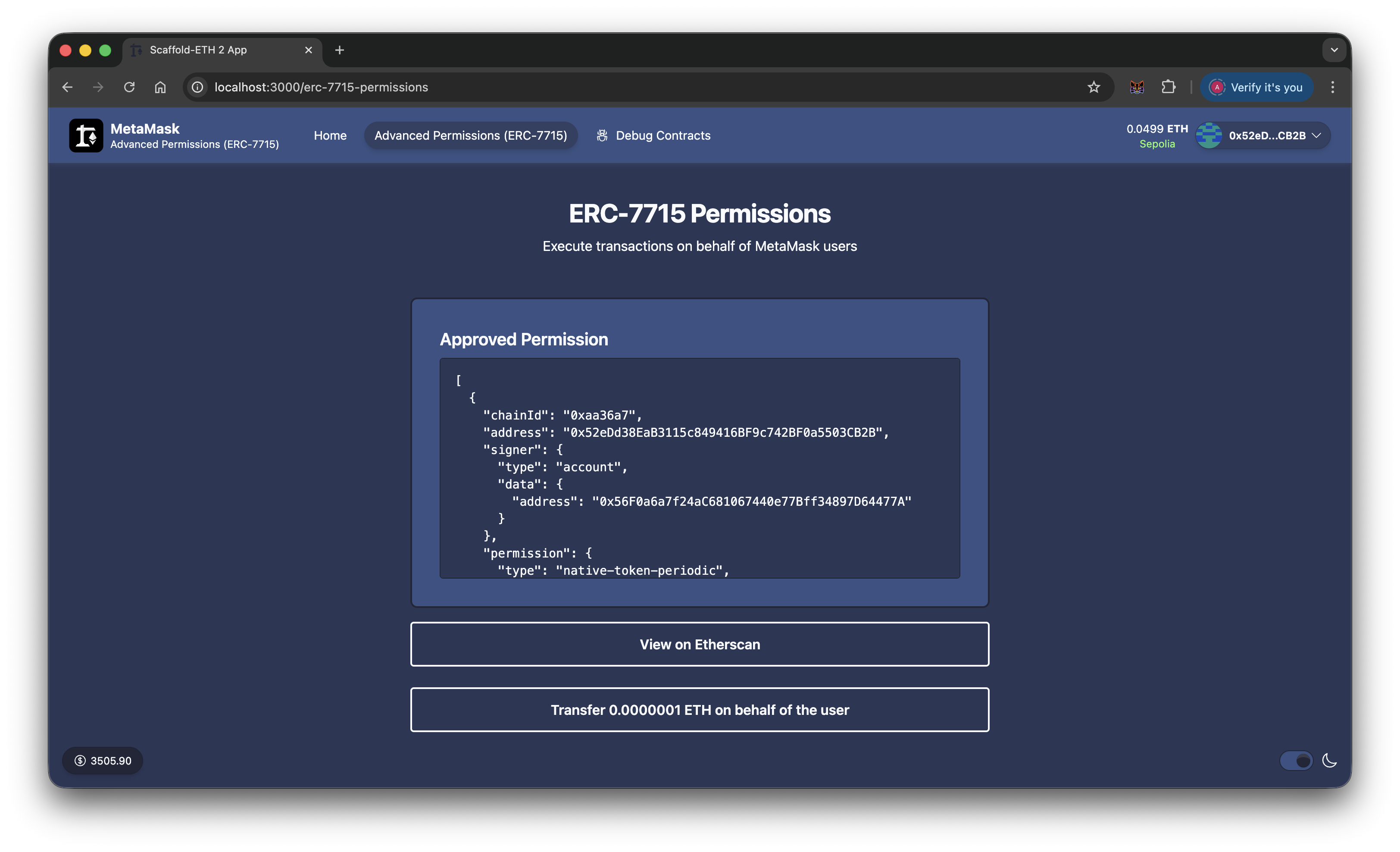
Navigate to the Advanced Permissions (ERC-7715) page in your Scaffold-ETH frontend at http://localhost:3000/erc-7715-permissions, and follow the steps to request an advanced permissionAdvanced Permissions Fine-grained, wallet execution permissions that dapps can request from MetaMask extension users. Based on ERC-7715., and execute a transaction on the user's behalf.
You can view the completed transaction on Etherscan.
Next steps
Learn more about Advanced Permissions (ERC-7715).